• BMW 340i MODIFICATIONS
  • F30 Maintenance
  • Tools
  • Car Care
  • Camera Gear
  • BLOG
  • SHOP
Menu

Justin Buice

  • BMW 340i MODIFICATIONS
  • F30 Maintenance
  • Tools
  • Car Care
  • Camera Gear
  • BLOG
  • SHOP

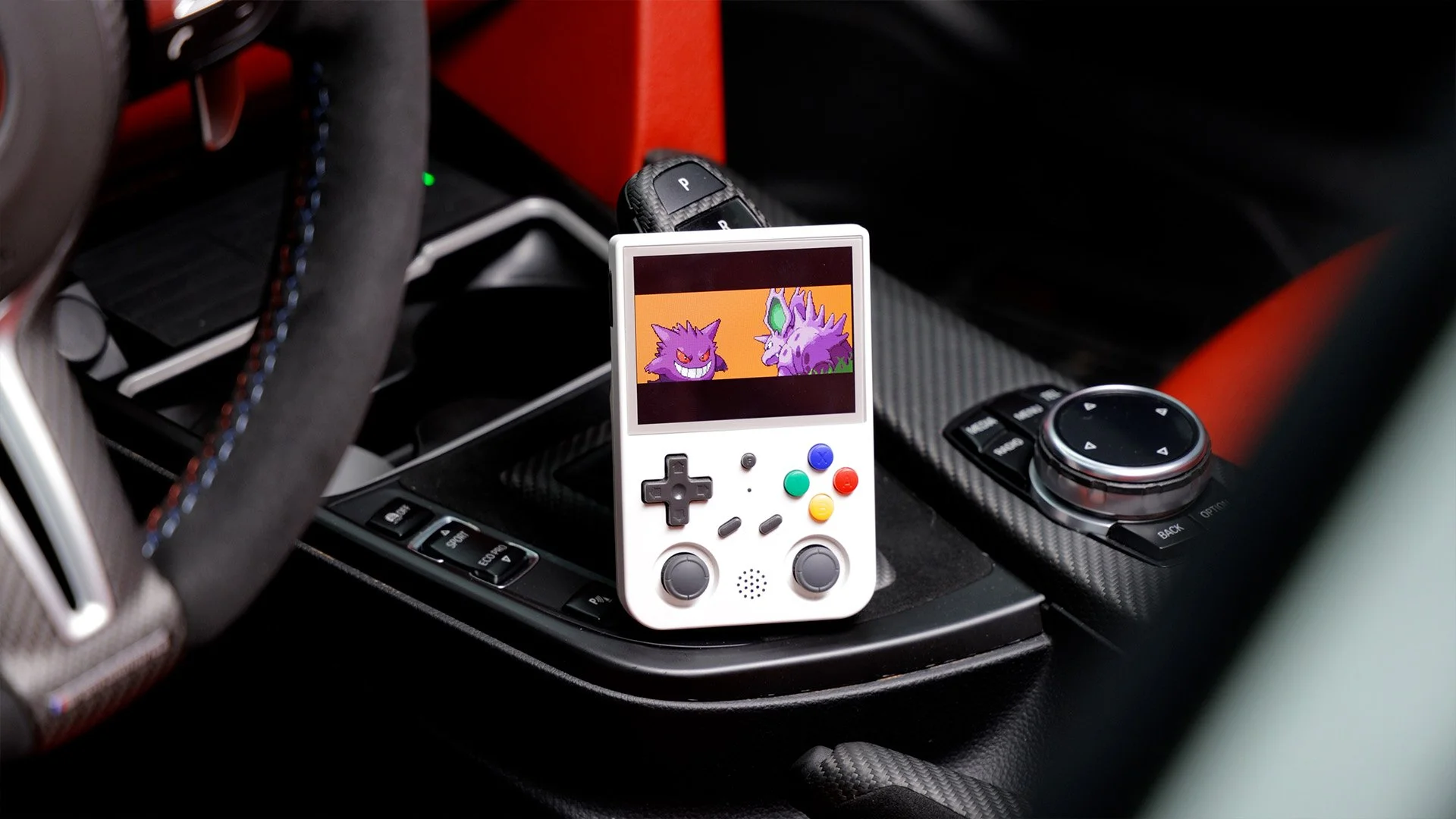
Coding My BMW with a Game Boy

April 9, 2026

Setup Guide

Installing Google Play Services on Anbernic RG353V:

1. Copy the 'Copy to Anbernic' folder to your Anbernic's SD card (SD2). (Click the blue download button below for all required files.)

2. Boot the Anbernic into Android by shutting it down, and boot it up while holding the "F" key in the center of the device.

3. Once booted into Android, swipe up on the screen to unlock. Then swipe down from the top of the screen, and hold down on the Wi-Fi icon to open Wi-Fi settings. Connect it to your Wi-Fi network.

4. Then go back to the Home Screen (if the navigation controls aren't visible, swipe up from the bottom of the screen and you should see them appear). Swipe up again on the home screen and open the Files app from the app launcher.

5. Use the hamburger menu in the top left to open the sidebar and scroll down to SD Card. Choose it and find the folder you copied in step 1.

6. Run the installer file in each folder in order from 1-5 (you'll notice the device will ring/vibrate with a Google notification constantly after install - this is normal and will go away after last steps).

7. Go back to the Home Screen (if the navigation controls aren't visible, swipe up from the bottom of the screen and you should see them appear).

8. Swipe up for the app launcher again, and locate/open the Device ID app.

9. In the Device ID app, locate the Google Service Framework (GSF) ID, and write it into a note on your computer.

10. Go to the following website https://www.google.com/android/uncertified/ and enter your device's GSF number on the page, and Submit.

11. Wait about 10 minutes, reboot the Anbernic into Android again.

12. Open the Google Play Store app in the app launcher, and it should now let you sign in! Sign in and download any app you'd like.
Download Google Play Services
In DIY, Car Mods Tags BMW, coding
Alcantara steering wheel being cleaned

How to Clean Alcantara (Steering Wheels, Seats & More)

August 13, 2025

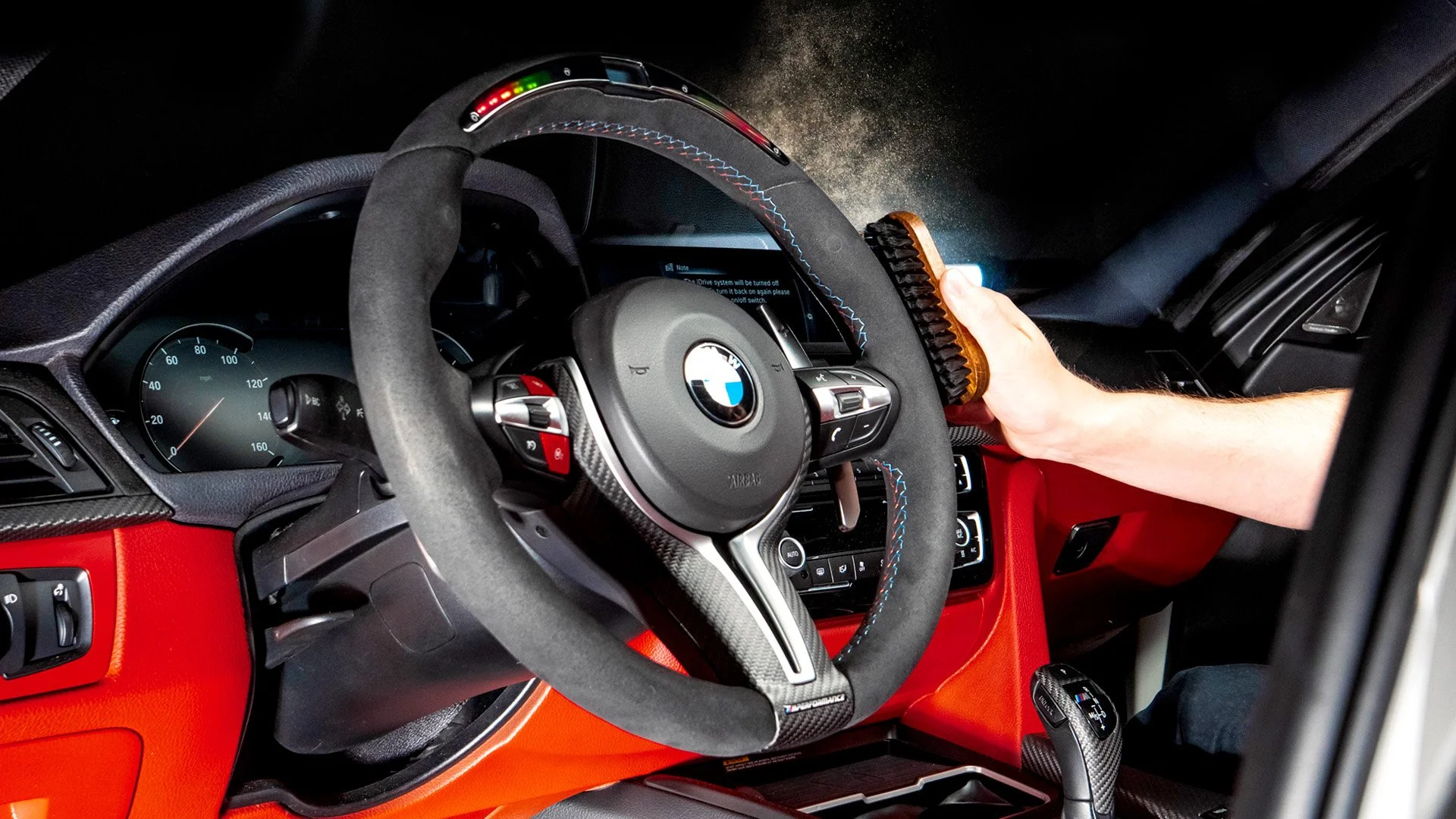
In this blog, I show you how to clean and care for Alcantara - the auto industry’s new favorite interior material.

Read More
In DIY, Detailing, HowTo Tags BMW
BMW F30 3 Series Coral Red Dashboard

How to Paint Car Interior Parts | DIY COLOR CHANGE

January 13, 2025

In this blog, I show the process of painting my BMW dashboard. I cover the cleaning, preparation, paint and clear coat applications.

Read More
In DIY, Car Mods Tags BMW

Is Your Car Ready for Winter?

January 9, 2025

As winter approaches, I have a checklist of things I like to prep on my car to make sure it’s ready to face the elements. In this blog, I’ll show you everything from wiper blades to rust prevention and provide some tips for winter maintenance. Hopefully you can apply some of these tips to your own car and drive with confidence this winter!

Read More
In DIY Tags BMW, maintnenance

BMW Grinding Noise Under Acceleration? How to Fix the Parking Brake Cable Clip

April 26, 2024

Does your BMW make a grinding or rattling noise while accelerating? This was a widespread issue that plagued many BMW models from around 2012-2018. These include the 2 Series, 3 Series, 4 Series, M3, M4 and many others. Luckily it’s a simple fix, although it’s a bit of work to get to the part.

Read More
In DIY Tags BMW, repairs
A sticky BMW F30 door handle.

How to Fix Sticky BMW Door Handles: F30 & F32 Permanent Replacement Guide

October 3, 2023

Are your BMW’s door handles sticky? You’re not alone. I’n this blog, I’ll show you how to replace your old sticky handles with new ones.

Read More
In DIY Tags BMW, repairs

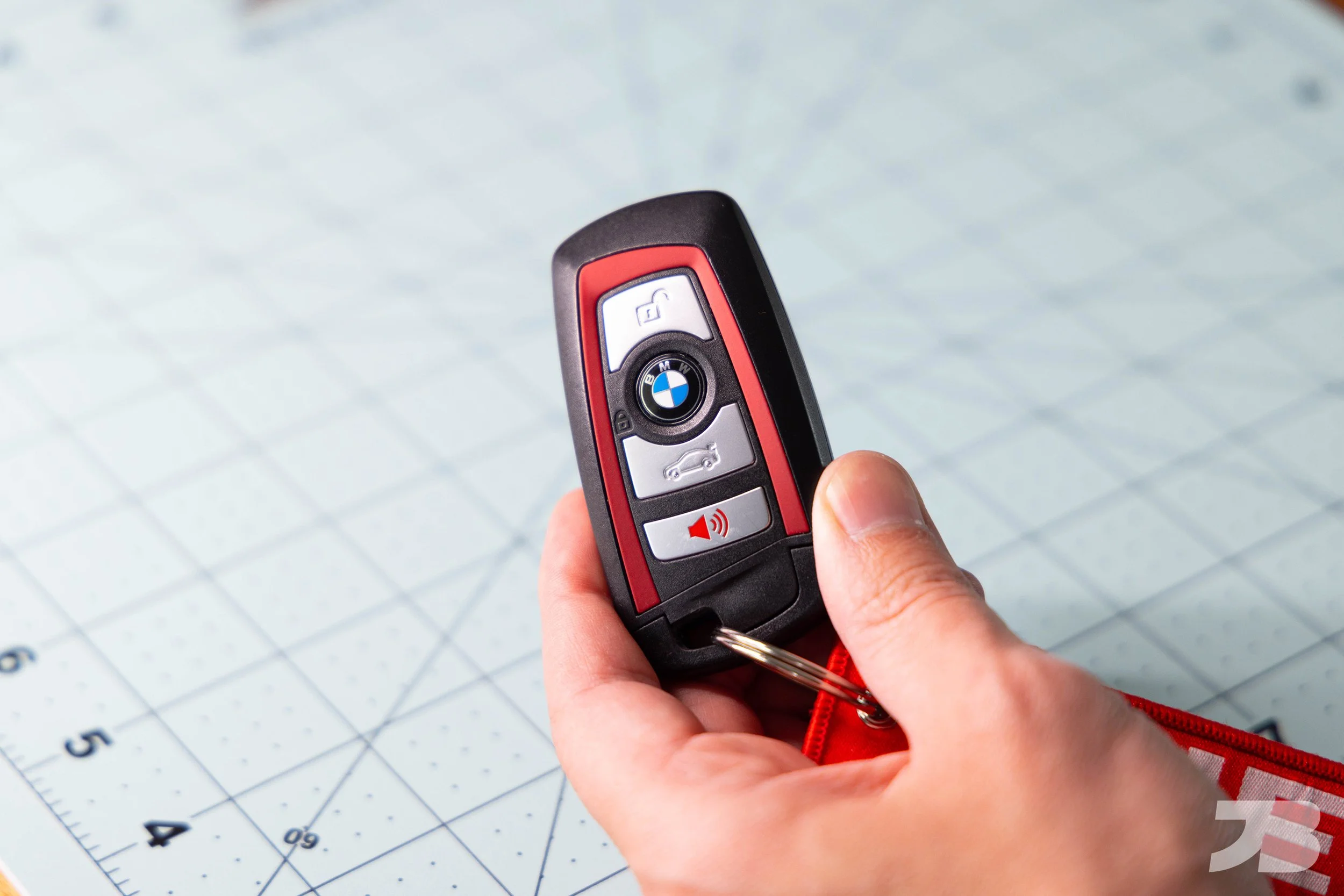
BMW F30 & F32 Key Fob Battery Replacement: DIY Guide

May 1, 2023

If your BMW gives you the warning message, “Remote Control: Replace Battery,” fear not, it’s easy to replace and does not require a trip to the dealership. On F generation BMW’s, the batteries are user replaceable and can be purchased anywhere.

Read More
In DIY Tags BMW, repairs

How to Upgrade Your BMW Paddle Shifters | JQ Werks Magnetic Paddles

February 6, 2023

How to install magnetic paddle shifters on your F30 3 Series/ F30 M3. Step by step written instructions.

Read More
In Car Mods, DIY Tags BMW

F30 M Sport Rear Bumper Conversion

January 15, 2023

In the BMW world, “M Sport” is a package sought out by enthusiasts that adds aggressive bumpers and side skirts, larger brakes, and driver focused suspension. Because F30’s with the M Sport package are so desirable, they tend to be harder to find and always demand a higher price. Luckily, for those of use who have bought a non-M Sport F30, changing the bumpers isn’t as difficult as you might think. In this guide, I’ll show you how to convert your F30 BMW’s rear bumper to an M Sport bumper. 

The M Sport bumpers from Kies Motorsports come unpainted. The paint shop will ask for your VIN number so they can order the exact paint color for your car. You’ll also give them your fuel door so they can be sure the color is a perfect match. Expect to pay around $400 to have the rear bumper professionally prepped and painted. I had the front bumper, rear bumper and side skirts painted all at once for $1,000. A quality professional paint job is not cheap, but this is not an area to cut corners (speaking from experience).

Tools required: Torx bit sockets, 8mm socket, electric ratchet
Install time: 2 hours

Buy M Sport Rear Bumper here

Step 1
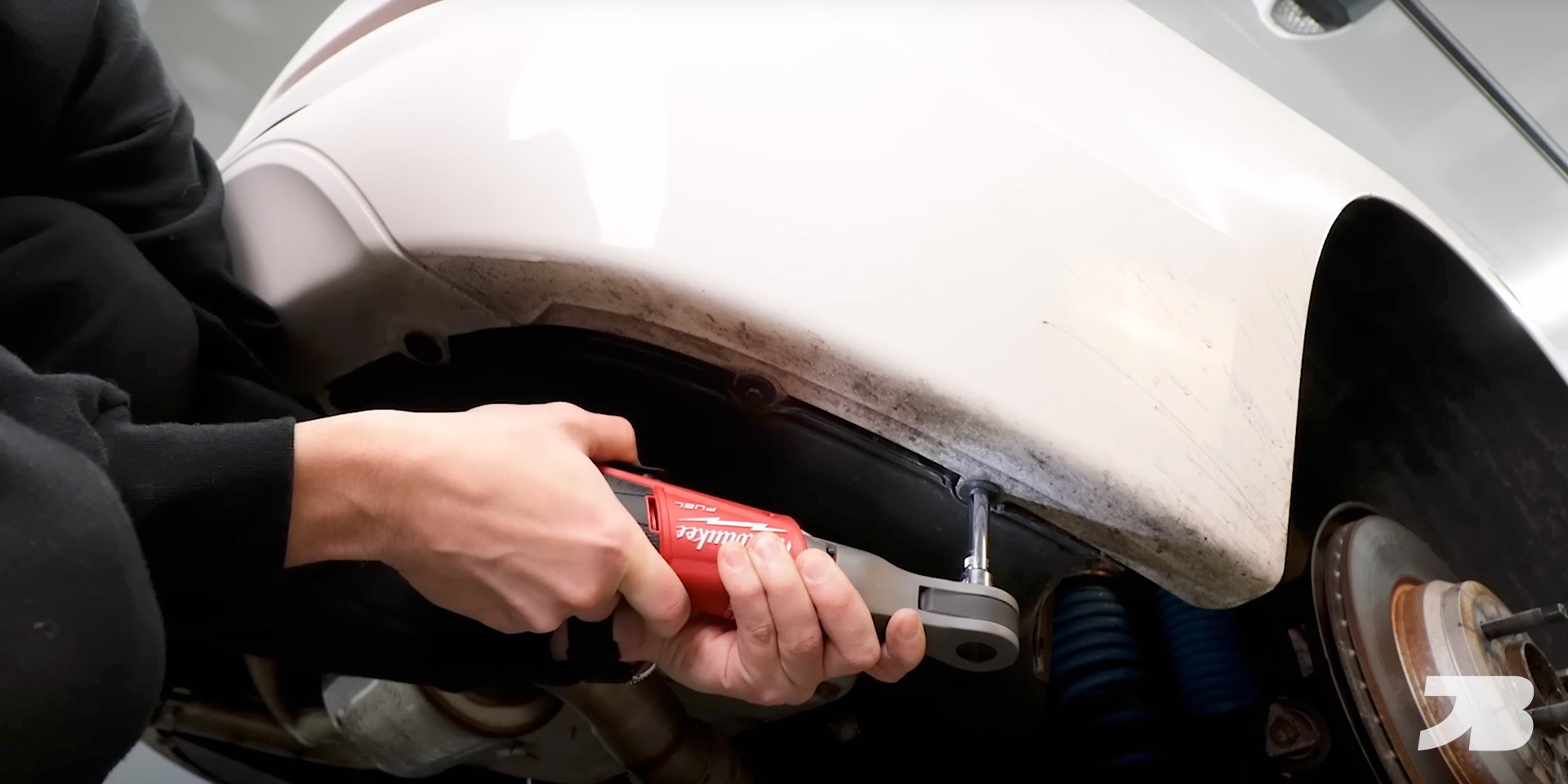
Remove the T20 and 8mm screws in the wheel well.

Step 2
Remove the 8mm screws from the underside of the bumper

Step 3
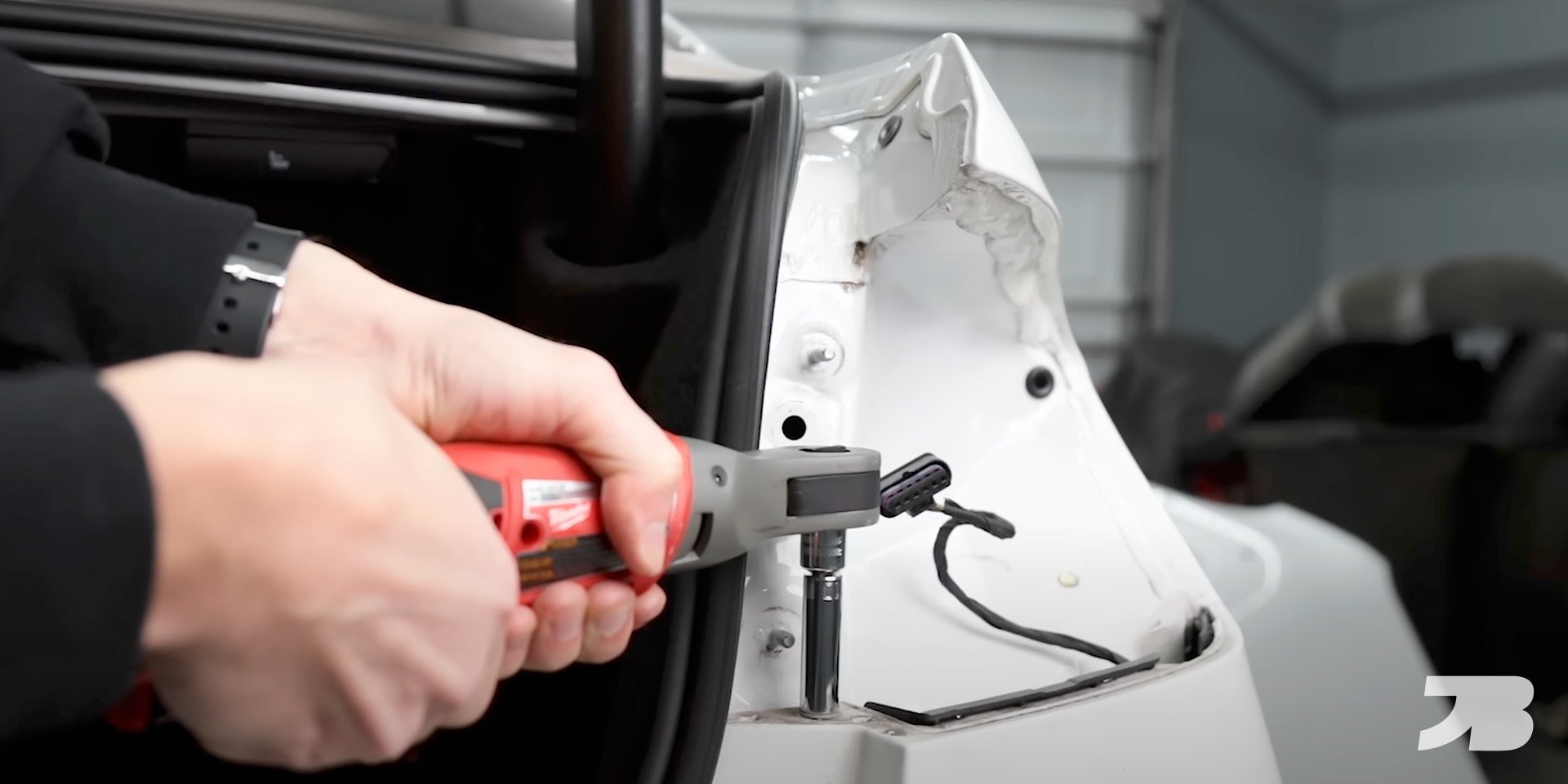
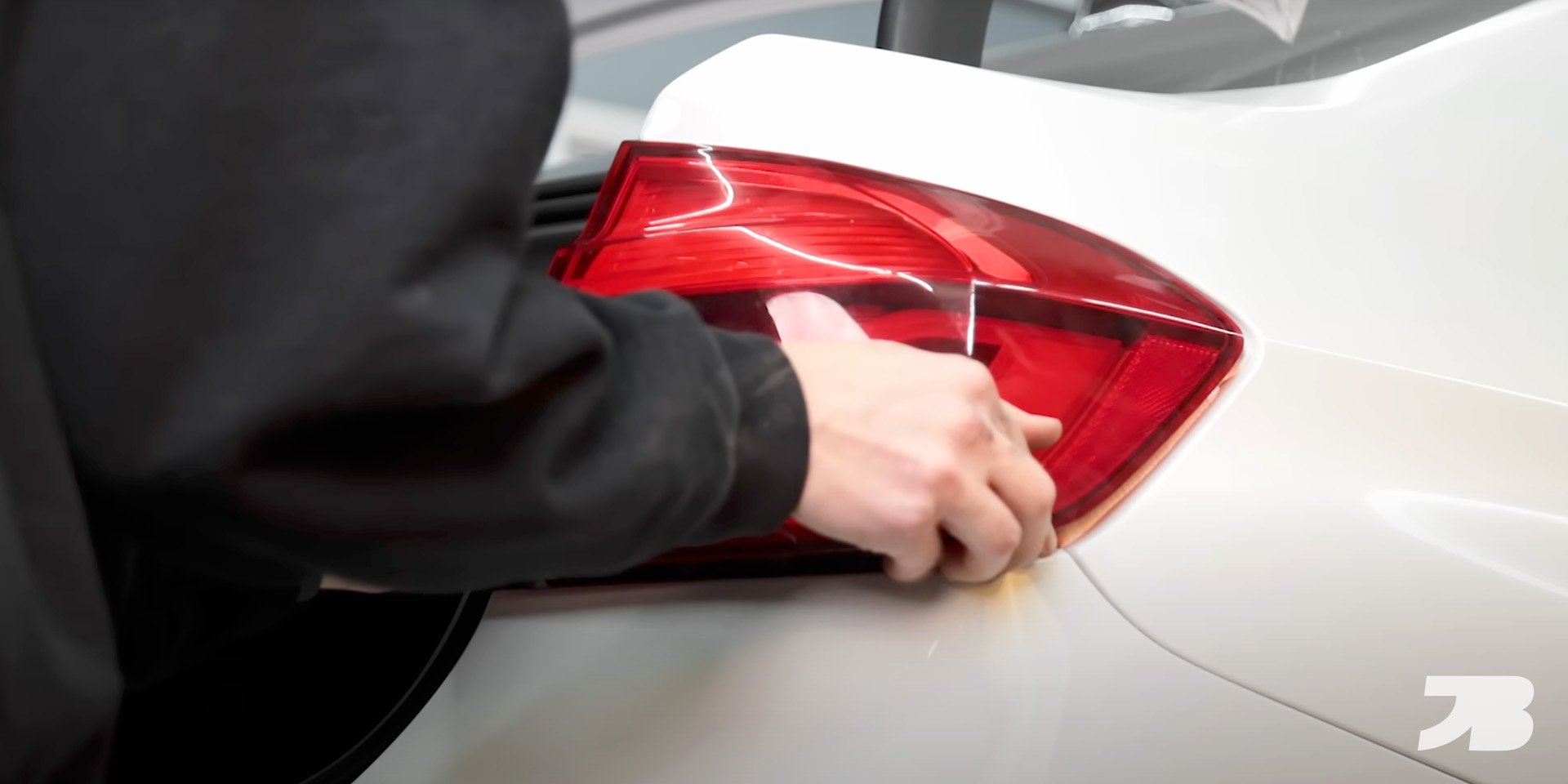
Remove the plastic drip covers from the tail lights and remove the 10mm nuts.

Step 4
Pull straight back on the tail light and unplug the harness.

Step 5
Remove the 10mm screws from the top of the bumper.

Step 6
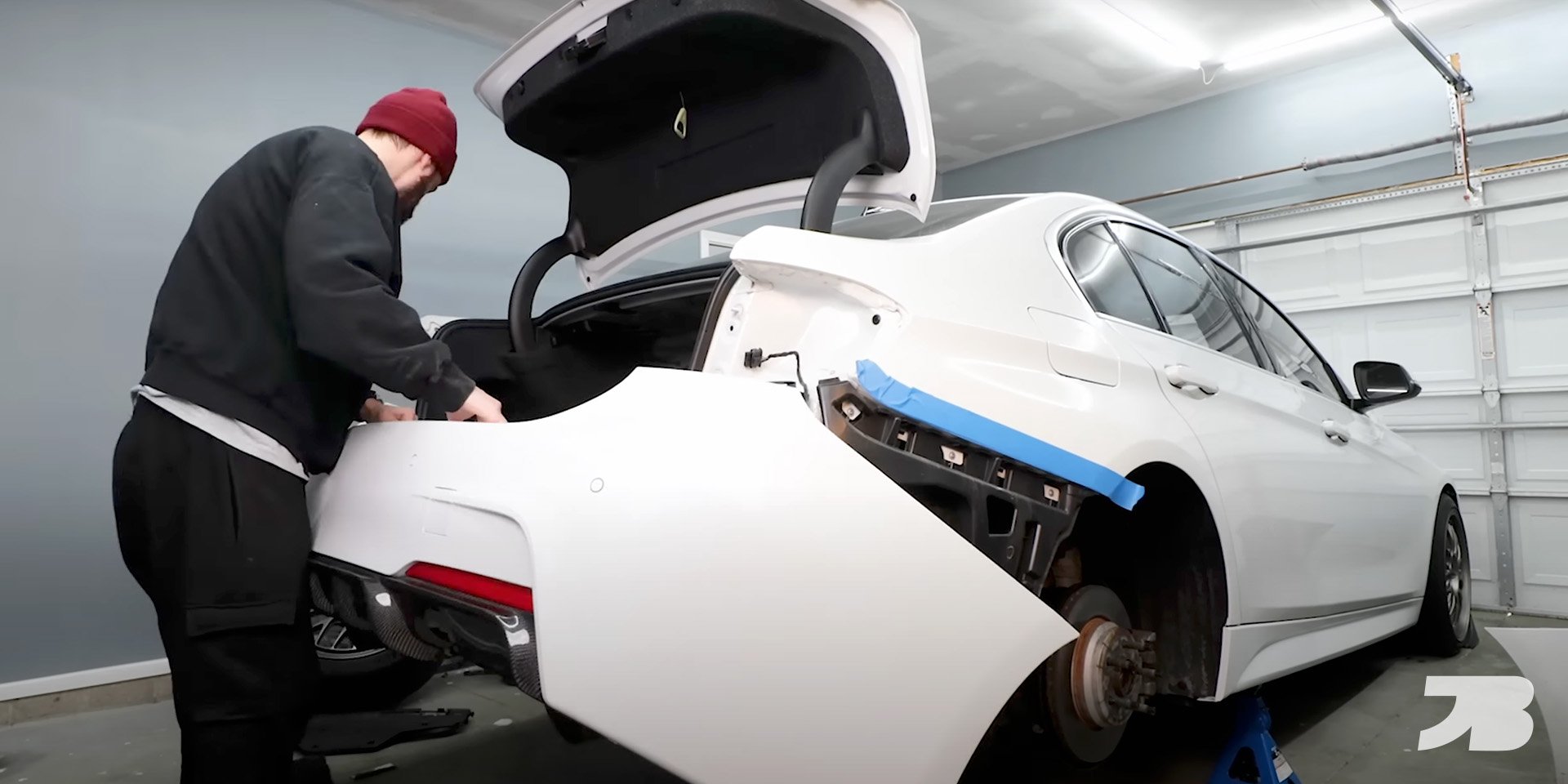
Put a piece of masking tape on the body of the car to protect the paint before removing the old bumper.

Step 7
Carefully remove the rear bumper. If you car has parking sensors like mine, each sensor has it’s own wiring harness. You’ll need to unplug each one while removing the bumper.

Step 8
Plug the parking sensor harnesses into the new M Sport bumper and install it on the car.

Step 9
Reinstall the tail lights and bumper hardware to secure it in place.

Watch the step-by-step installation guide here:

This blog contains affiliate links. If you purchase a product through my custom link, I’ll earn a small commission at no extra cost to you. Win!

In DIY

F30 M Sport Front Bumper Conversion

January 14, 2023

F30 M Sport Front Bumper Conversion

Read More
In DIY

BMW F30 3 Series Wireless Charger Retrofit

November 18, 2022

In this blog, I’ll show you how to add wireless charging to your BMW F30 3 Series or F80 M3.

Read More
In DIY, Car Mods Tags BMW

BMW B58 Spark Plug Replacement DIY Guide | 240i, 340i, 440i & More

October 28, 2022

Looking to change your B58 spark plugs? Find the correct mileage intervals, ignition coil advice, and expert tips for maintaining your B58-powered BMW at home.

Read More
In DIY

How to Replace & Register a BMW 3 Series & 4 Series Battery (F30, F32 Guide)

August 22, 2022

Is your BMW 3 Series struggling to start? In this blog, I cover the signs of an aging battery, show you how to replace your old one, and walk you through the battery coding process.

Read More
In DIY Tags BMW, Maintenance, DIY