
This blog post contains afilliate links. If you purchase a product through my custom link, I will earn a commission at no extra cost to you. WIN!
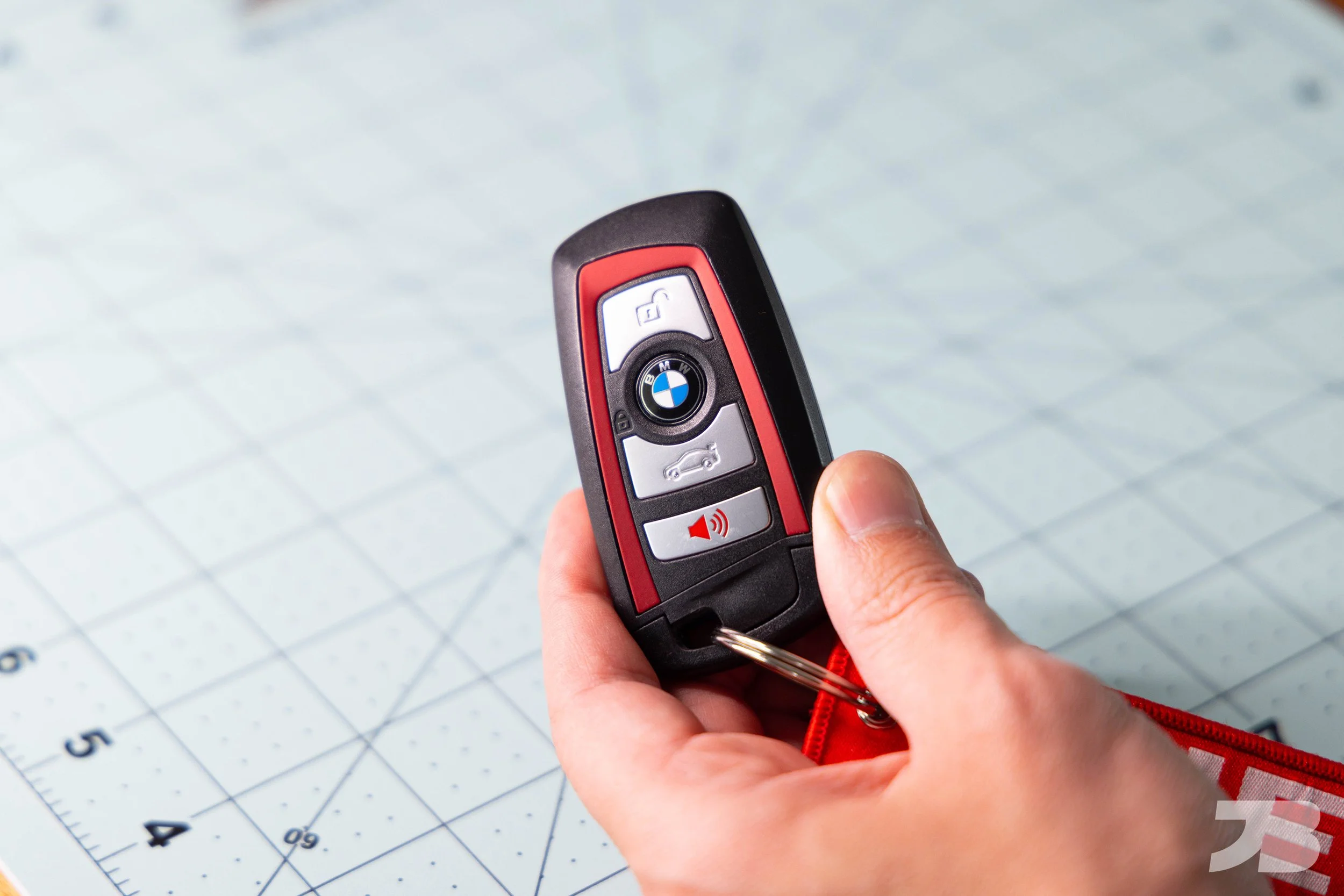
BMW F30 3 Series & F32 4 Series Key fob battery replacement guide
Is your dashboard displaying the "Remote Control: Replace Battery" warning? Don't worry—you don't need a costly trip to the BMW dealership. Replacing the battery in an F-series key fob (3 Series, 4 Series, M3, and M4) is a simple 5-minute task you can do at home.
Overview and cost:
Difficulty: Easy
Time: 5 minutes
Cost: $6
Tools required:
Small flathead screwdriver
Parts:
Battery: CR2450 buy here
Note: BMW's Comfort Access system is sensitive to voltage. Cheap batteries often trigger the "Replace Battery" warning even when new. Stick to name brands like Duracell, energizer or Panasonic.
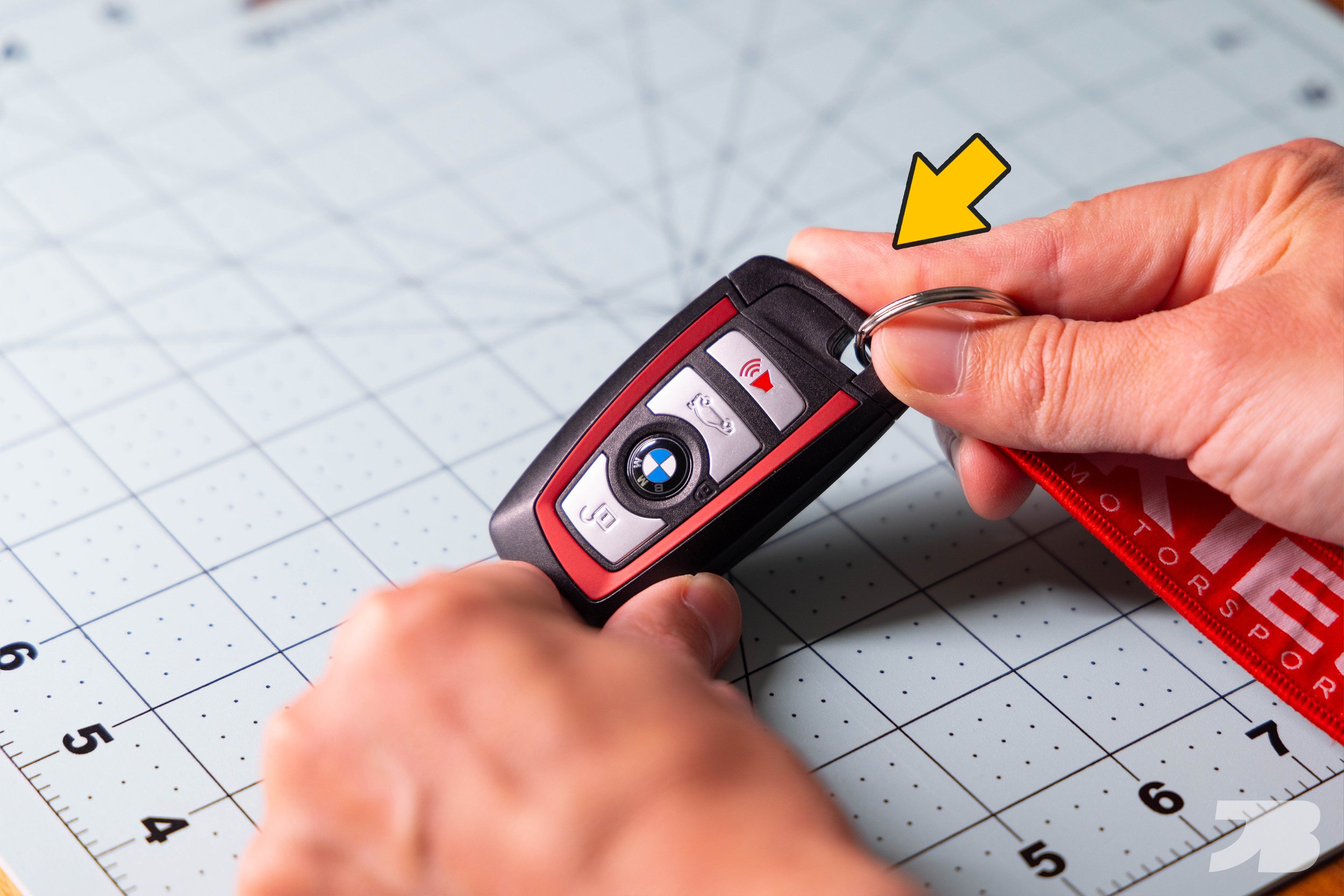
Step 1: Press the rectangular button on the back of your key fob and pull out the physical key. FIY, this key unlocks the tumbler on your driver’s door handle if the key battery dies. It can also be used to lock your glove box.

Step 2: Use the physical key to pry up on the hole to the right of the rectangular button. It requires some force, but be careful not to break the plastic.

Step 3: Remove the old battery. Unless you have long fingernails, you’ll need a flathead screwdriver to pry it out.
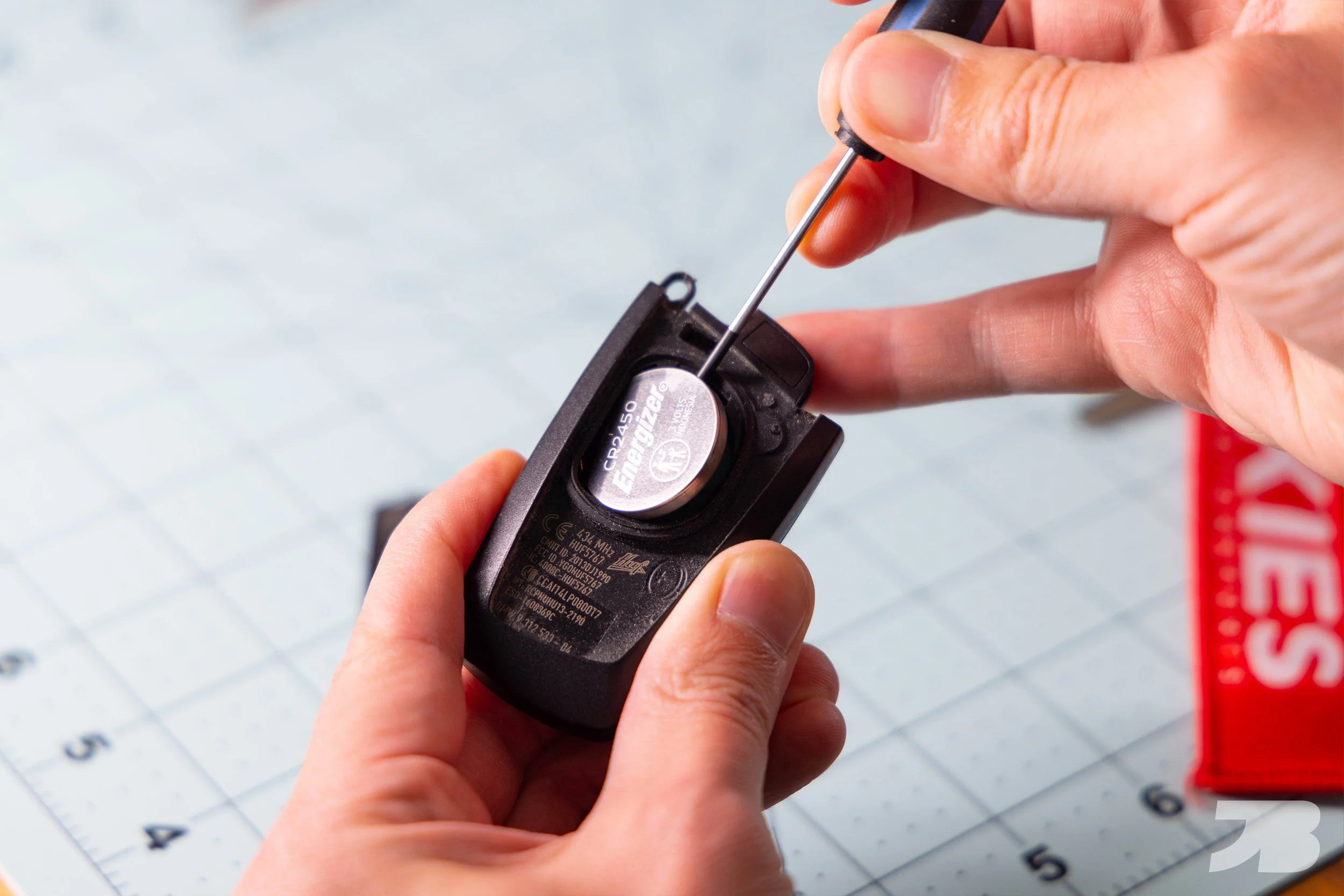
Step 4: Insert your new CR2450 battery with the positive side facing up.

Step 5: Reinstall the back cover and snap the physical key back in place. These batteries typically last around two years.
Note: Check the "Low Battery" Warning: If the message persists after replacement, try holding the key against the steering column (where the key icon is located) and starting the car. This resyncs the connection.
Compatible Models
This guide applies to the following BMW "F-Chassis" vehicles (2012–2019):
3 Series: F30 (Sedan), F31 (Wagon), F34 (GT)
4 Series: F32 (Coupe), F33 (Convertible), F36 (Gran Coupe)
M-Power: F80 M3 and F82/F83 M4