
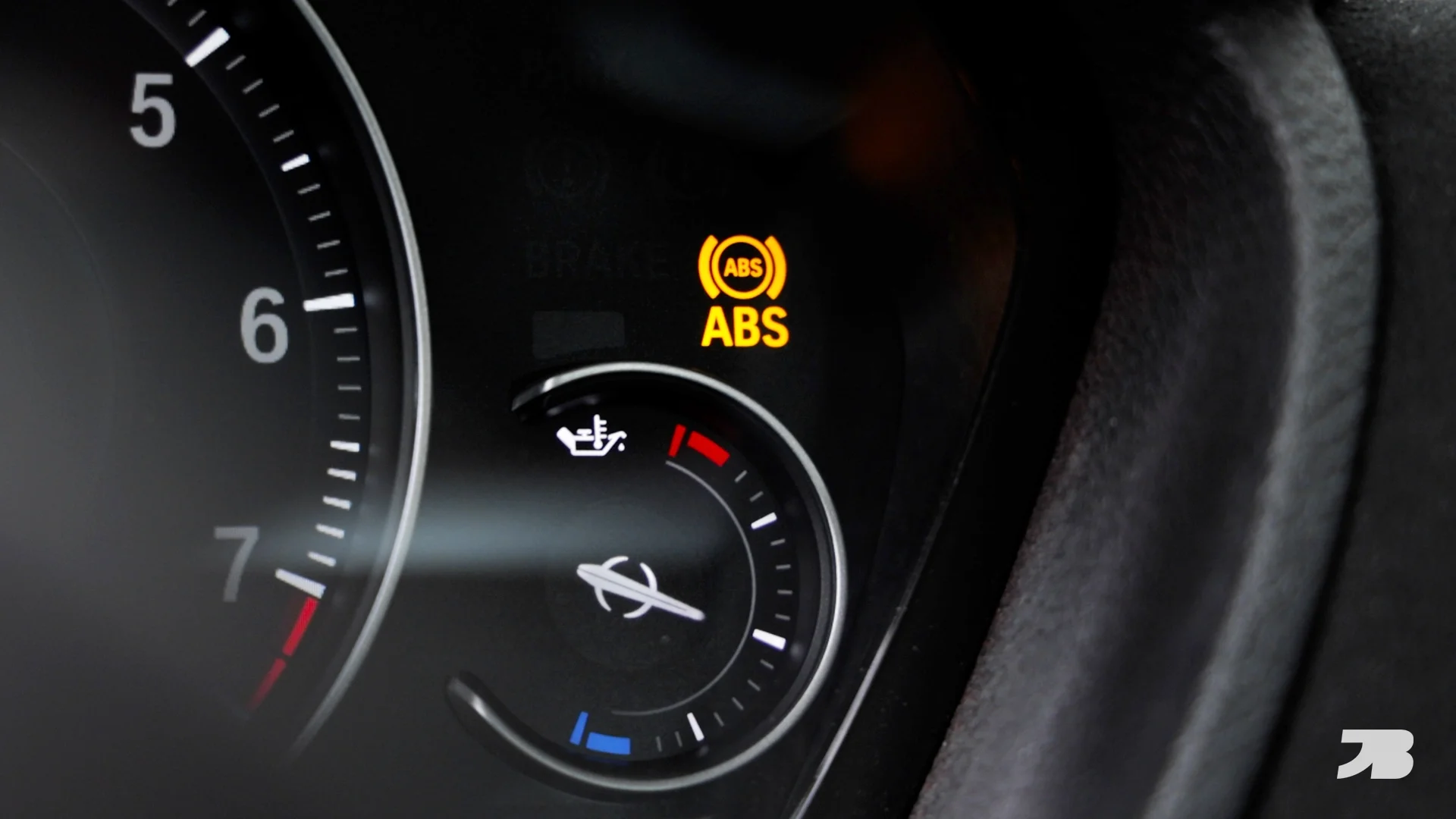
Is the ABS light on in your BMW? In this blog, we’ll show you how to diagnose and replace a faulty ABS sensor on an F30 340i. The process will be similar on most modern BMW’s.
Read More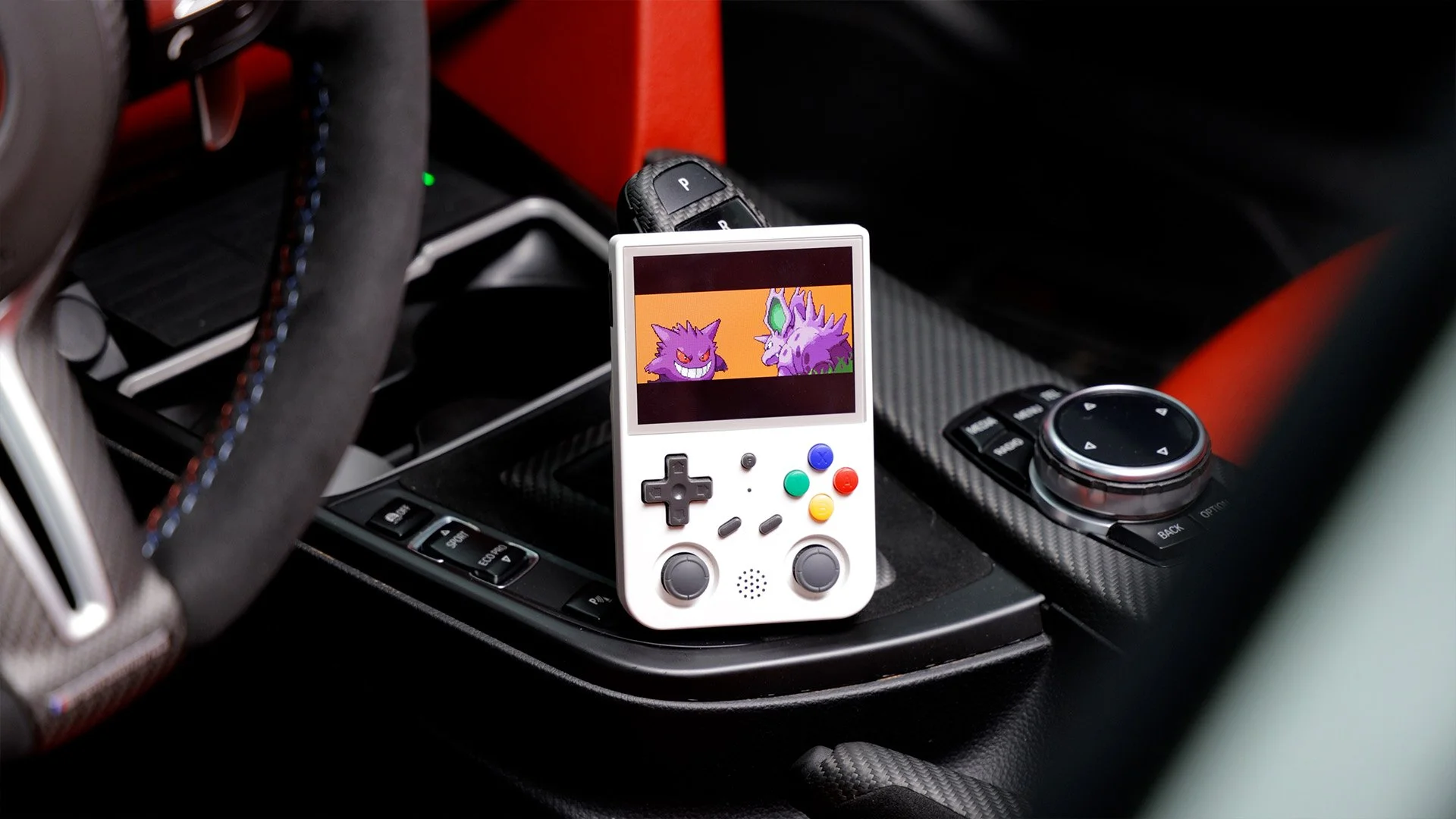
Coding My BMW with a Game Boy
Setup Guide
Installing Google Play Services on Anbernic RG353V:
1. Copy the 'Copy to Anbernic' folder to your Anbernic's SD card (SD2). (Click the blue download button below for all required files.)
2. Boot the Anbernic into Android by shutting it down, and boot it up while holding the "F" key in the center of the device.
3. Once booted into Android, swipe up on the screen to unlock. Then swipe down from the top of the screen, and hold down on the Wi-Fi icon to open Wi-Fi settings. Connect it to your Wi-Fi network.
4. Then go back to the Home Screen (if the navigation controls aren't visible, swipe up from the bottom of the screen and you should see them appear). Swipe up again on the home screen and open the Files app from the app launcher.
5. Use the hamburger menu in the top left to open the sidebar and scroll down to SD Card. Choose it and find the folder you copied in step 1.
6. Run the installer file in each folder in order from 1-5 (you'll notice the device will ring/vibrate with a Google notification constantly after install - this is normal and will go away after last steps).
7. Go back to the Home Screen (if the navigation controls aren't visible, swipe up from the bottom of the screen and you should see them appear).
8. Swipe up for the app launcher again, and locate/open the Device ID app.
9. In the Device ID app, locate the Google Service Framework (GSF) ID, and write it into a note on your computer.
10. Go to the following website https://www.google.com/android/uncertified/ and enter your device's GSF number on the page, and Submit.
11. Wait about 10 minutes, reboot the Anbernic into Android again.
12. Open the Google Play Store app in the app launcher, and it should now let you sign in! Sign in and download any app you'd like.
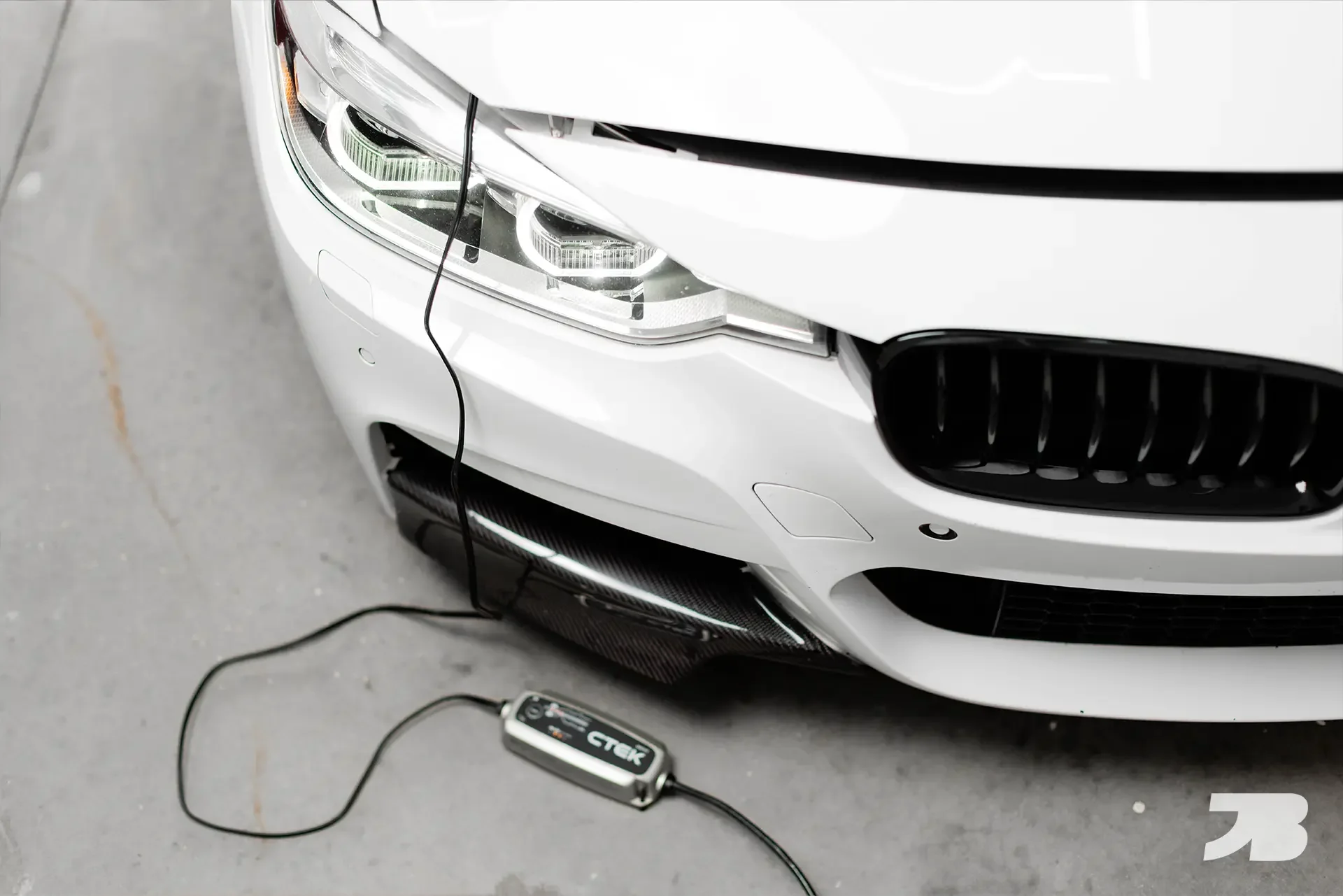
BMW Battery Maintenance Guide: Prevent Drain & "Increased Discharge" Warnings
In this blog, I show you how to maximize the lifespan of your BMW’s battery.
Read More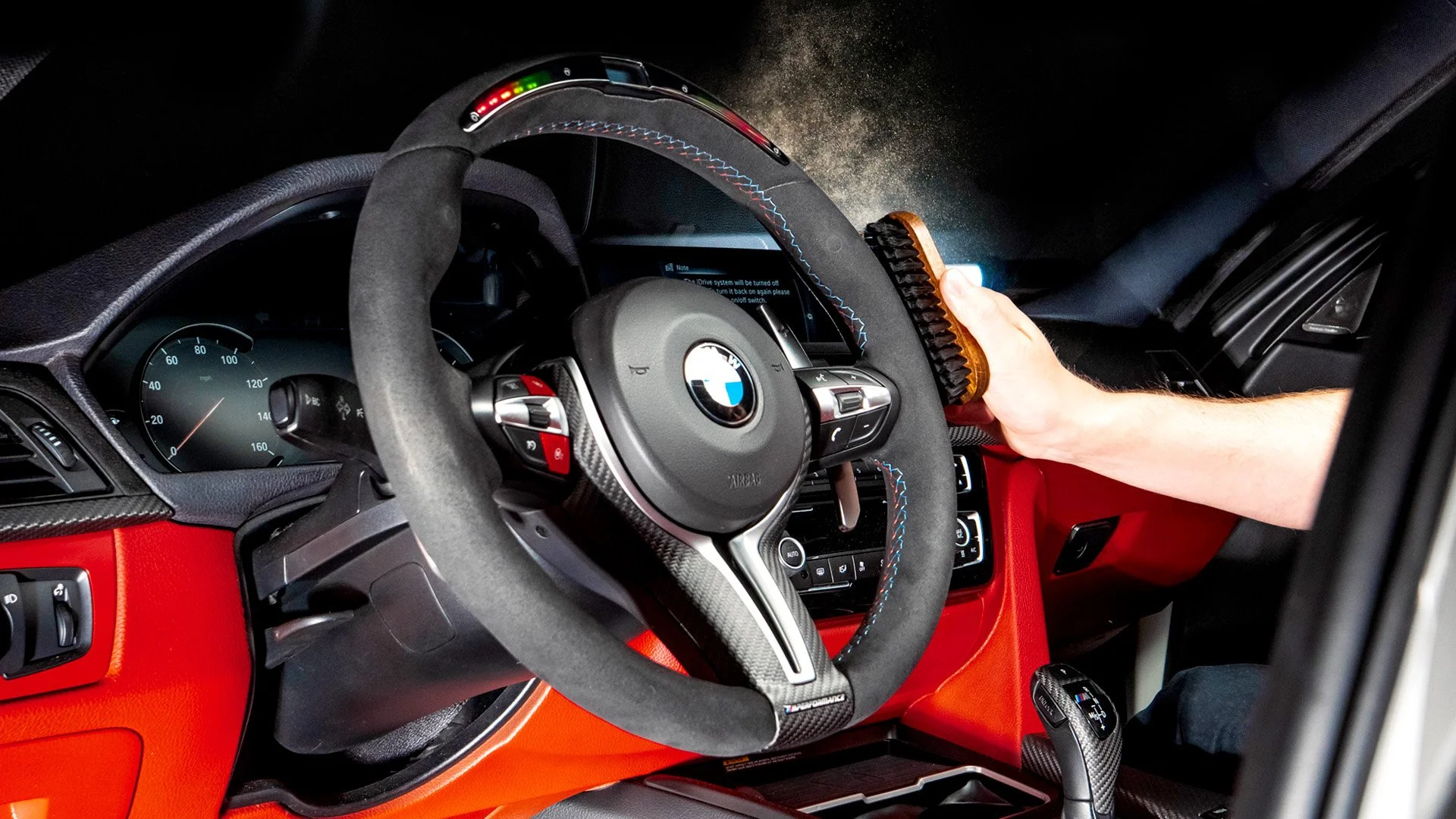
How to Clean Alcantara (Steering Wheels, Seats & More)
In this blog, I show you how to clean and care for Alcantara - the auto industry’s new favorite interior material.
Read More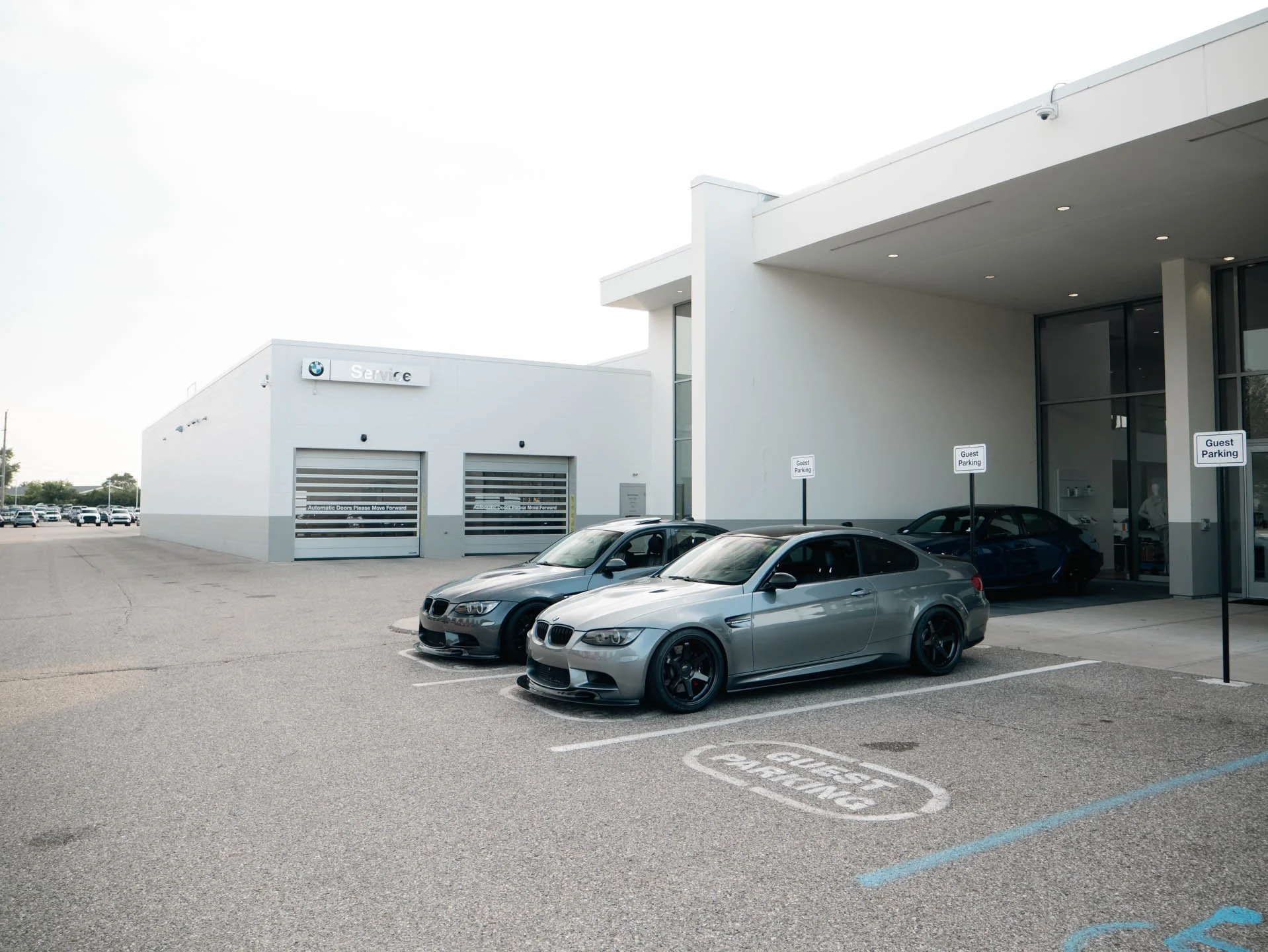
Late Summer Meet 2025 | BMW of Bloomfield Hills
Cars & Coffee 2025 at BMW of Bloomfield Hills.
Read More
How to Paint Car Interior Parts | DIY COLOR CHANGE
In this blog, I show the process of painting my BMW dashboard. I cover the cleaning, preparation, paint and clear coat applications.
Read More
Is Your Car Ready for Winter?
As winter approaches, I have a checklist of things I like to prep on my car to make sure it’s ready to face the elements. In this blog, I’ll show you everything from wiper blades to rust prevention and provide some tips for winter maintenance. Hopefully you can apply some of these tips to your own car and drive with confidence this winter!
Read More
Financing a Car? READ THIS FIRST!
What would your life be like with no car payments? Many of us have been in car debt for so long that we can’t remember what that feels like. I recently paid off my BMW more than a year early. The feeling of relief that I felt making the final payment is something I want to share today, because this topic isn’t talked about enough in the car community.
Read More
BMW Grinding Noise Under Acceleration? How to Fix the Parking Brake Cable Clip
Does your BMW make a grinding or rattling noise while accelerating? This was a widespread issue that plagued many BMW models from around 2012-2018. These include the 2 Series, 3 Series, 4 Series, M3, M4 and many others. Luckily it’s a simple fix, although it’s a bit of work to get to the part.
Read More
minimalist desk setup 2024
I don’t know about you, but I can’t function with a cluttered workspace. I try to keep my desk as simple as possible. I like a clean, minimalist aesthetic which extends to the tools and products I use for work. In this blog post, I’ll show you my workspace and some of the tools I use to run my YouTube channel and Instagram.
Read MoreBMW iPhone Wallpapers
Free BMW phone backgrounds. Sized in a 16:9 aspect ratio to fit most popular phone screens. Download and enjoy ;)
Read More
How to Fix Sticky BMW Door Handles: F30 & F32 Permanent Replacement Guide
Are your BMW’s door handles sticky? You’re not alone. I’n this blog, I’ll show you how to replace your old sticky handles with new ones.
Read More
Shot with Canon RF 50mm f/1.8
Every Automotive Photographer needs a 50mm Lens
If you’re into automotive photo and video and are looking to upgrade from your kit lens, or maybe you’re brand new to photography and aren’t sure what to buy, a 50mm lens should be high on your list. The model that I use is for Canon RF cameras, but every camera manufacturer has their own version of this lens.
Read More
Is Your Car Roadtrip Ready? | My Roadtrip Checklist ✓
Road trip season is upon us. Before you hit the open road, here are a few things you’ll want to pack in your car. Every time this topic comes up, someone always asks, “Why bother with any of that? Why not just get roadside assistance.” Well, I have AAA, but that doesn’t mean I leave home unprepared. AAA is great for peace-of-mind, but I don’t want to be left stranded over something silly like a tire puncture or a dead battery.
Read More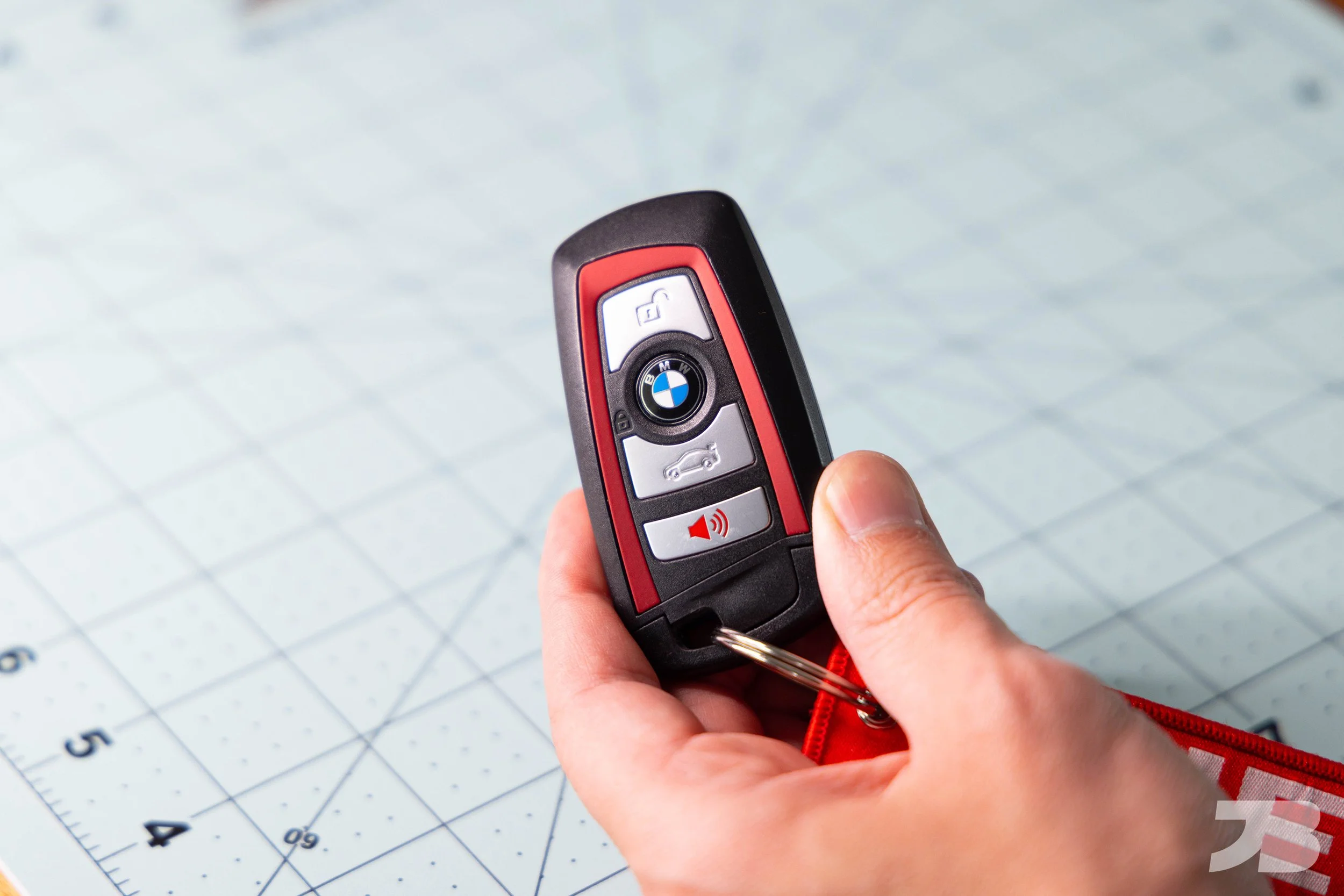
BMW F30 & F32 Key Fob Battery Replacement: DIY Guide
If your BMW gives you the warning message, “Remote Control: Replace Battery,” fear not, it’s easy to replace and does not require a trip to the dealership. On F generation BMW’s, the batteries are user replaceable and can be purchased anywhere.
Read More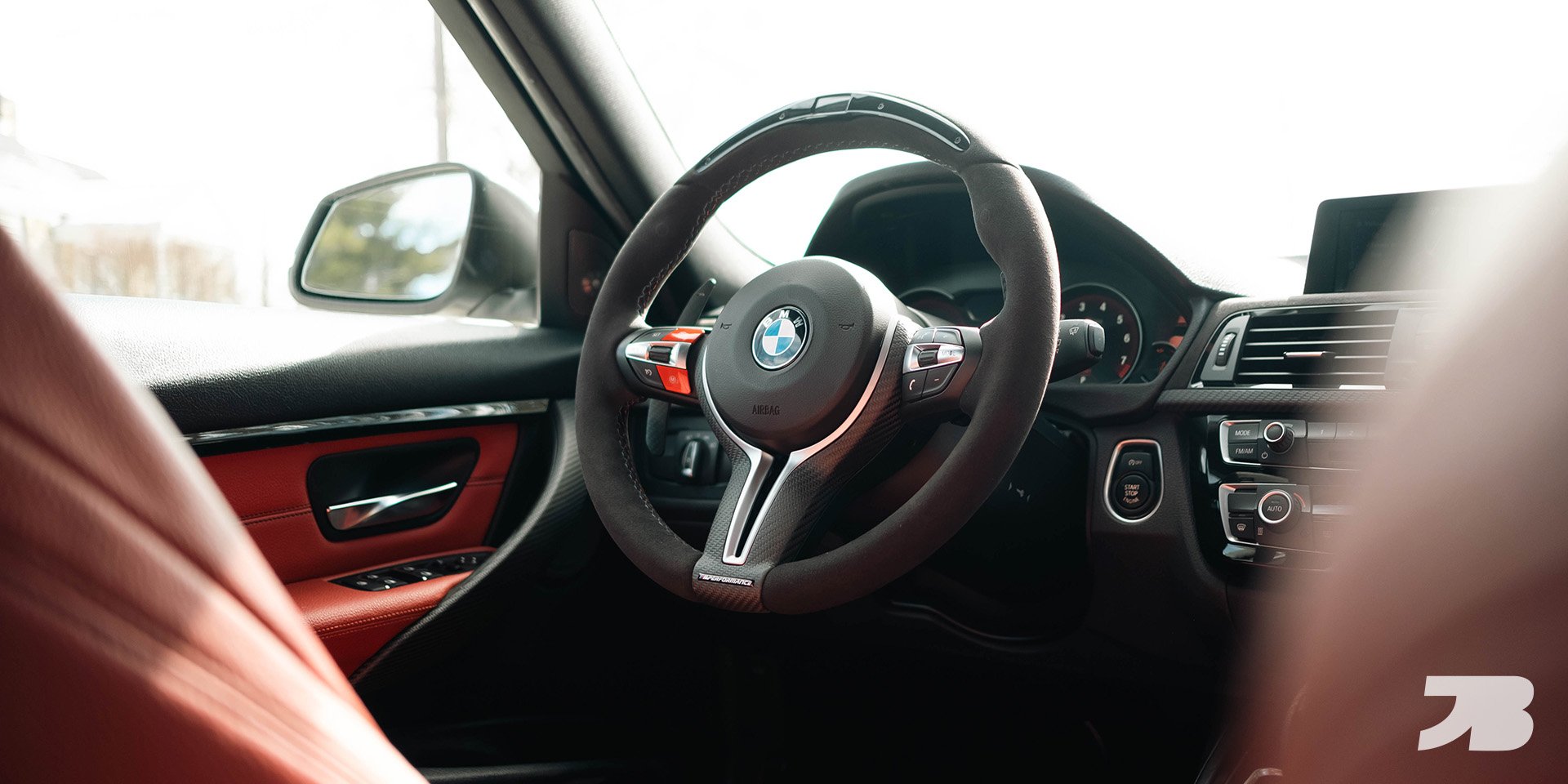
Ultimate Guide to F30 BMW Interior Mods
Spring is right around the corner, and warmer weather means car meets, modifications, and catching up on maintenance that you may have put off during the winter. I recently completed the interior upgrades on my BMW 340i and thought I’d make a guide for some of the most popular interior modifications for the F30/ F32. Many of these apply to the M3 and M4 as well. Hopefully this inspires you to do some of these on your interior!
Read More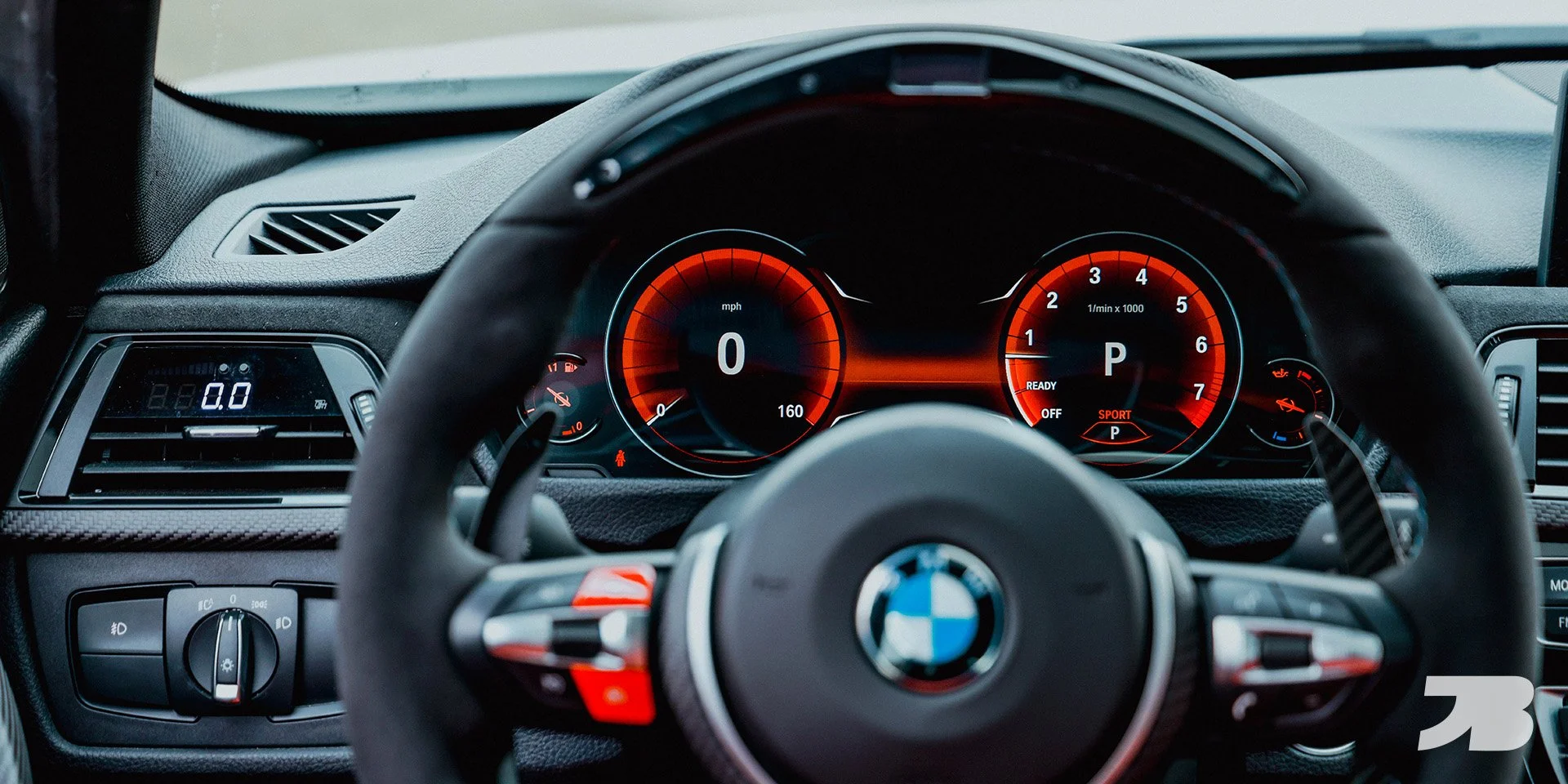
Is the BMW 6WB Digital Cluster Worth the Hype?
In this blog we’re taking a look at the 6WB digital cluster from BMW. I’m going to cover what it is, what it’s like to drive with, some things I don’t like about it, as well as an overview of the installation for those of you planning to do this retrofit at home.
Read More
How to Upgrade Your BMW Paddle Shifters | JQ Werks Magnetic Paddles
How to install magnetic paddle shifters on your F30 3 Series/ F30 M3. Step by step written instructions.
Read More
F30 M Sport Rear Bumper Conversion
In the BMW world, “M Sport” is a package sought out by enthusiasts that adds aggressive bumpers and side skirts, larger brakes, and driver focused suspension. Because F30’s with the M Sport package are so desirable, they tend to be harder to find and always demand a higher price. Luckily, for those of use who have bought a non-M Sport F30, changing the bumpers isn’t as difficult as you might think. In this guide, I’ll show you how to convert your F30 BMW’s rear bumper to an M Sport bumper.
The M Sport bumpers from Kies Motorsports come unpainted. The paint shop will ask for your VIN number so they can order the exact paint color for your car. You’ll also give them your fuel door so they can be sure the color is a perfect match. Expect to pay around $400 to have the rear bumper professionally prepped and painted. I had the front bumper, rear bumper and side skirts painted all at once for $1,000. A quality professional paint job is not cheap, but this is not an area to cut corners (speaking from experience).
Tools required: Torx bit sockets, 8mm socket, electric ratchet
Install time: 2 hours
Step 1
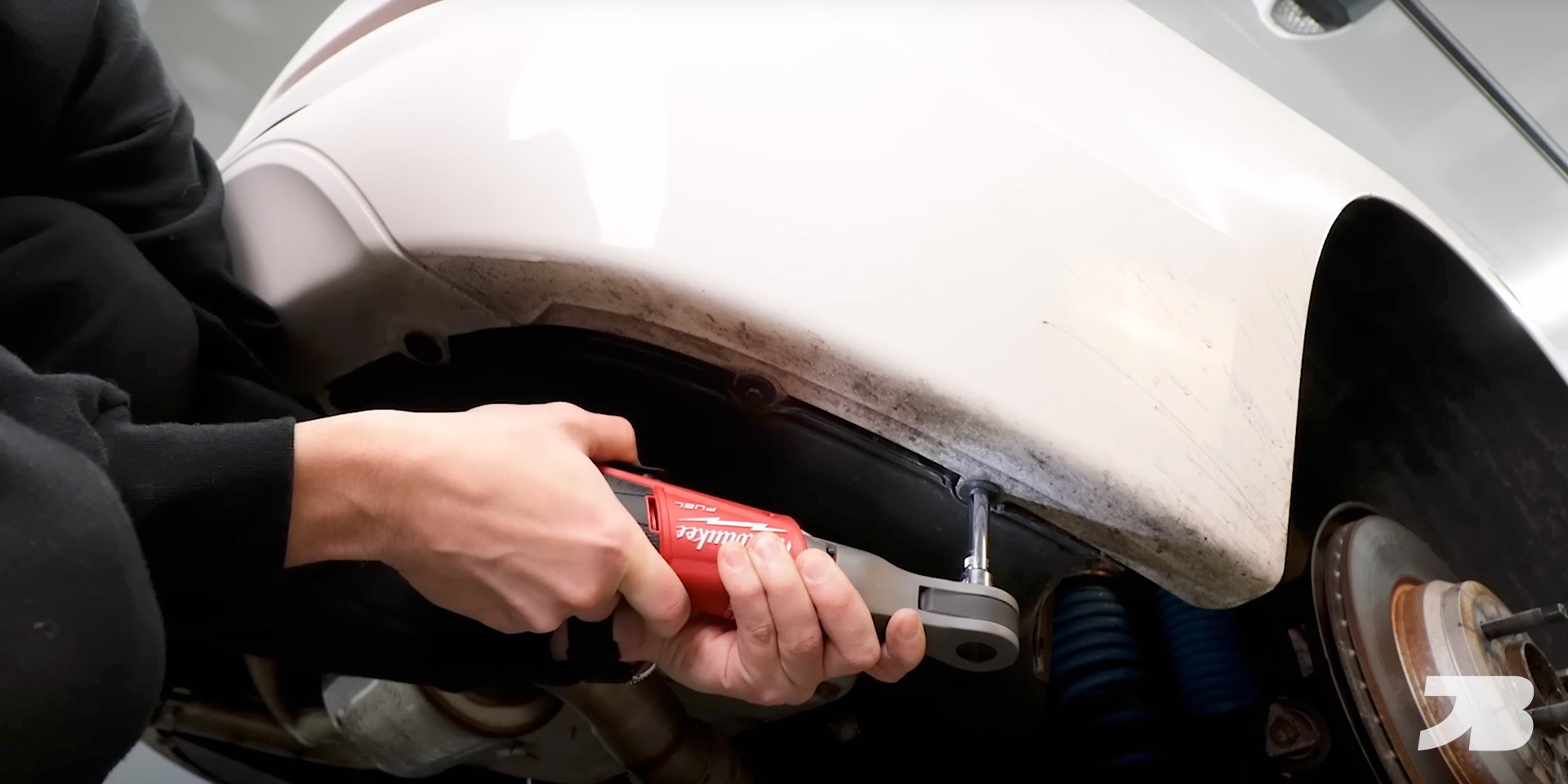
Remove the T20 and 8mm screws in the wheel well.

Step 2
Remove the 8mm screws from the underside of the bumper
Step 3
Remove the plastic drip covers from the tail lights and remove the 10mm nuts.

Step 4
Pull straight back on the tail light and unplug the harness.

Step 5
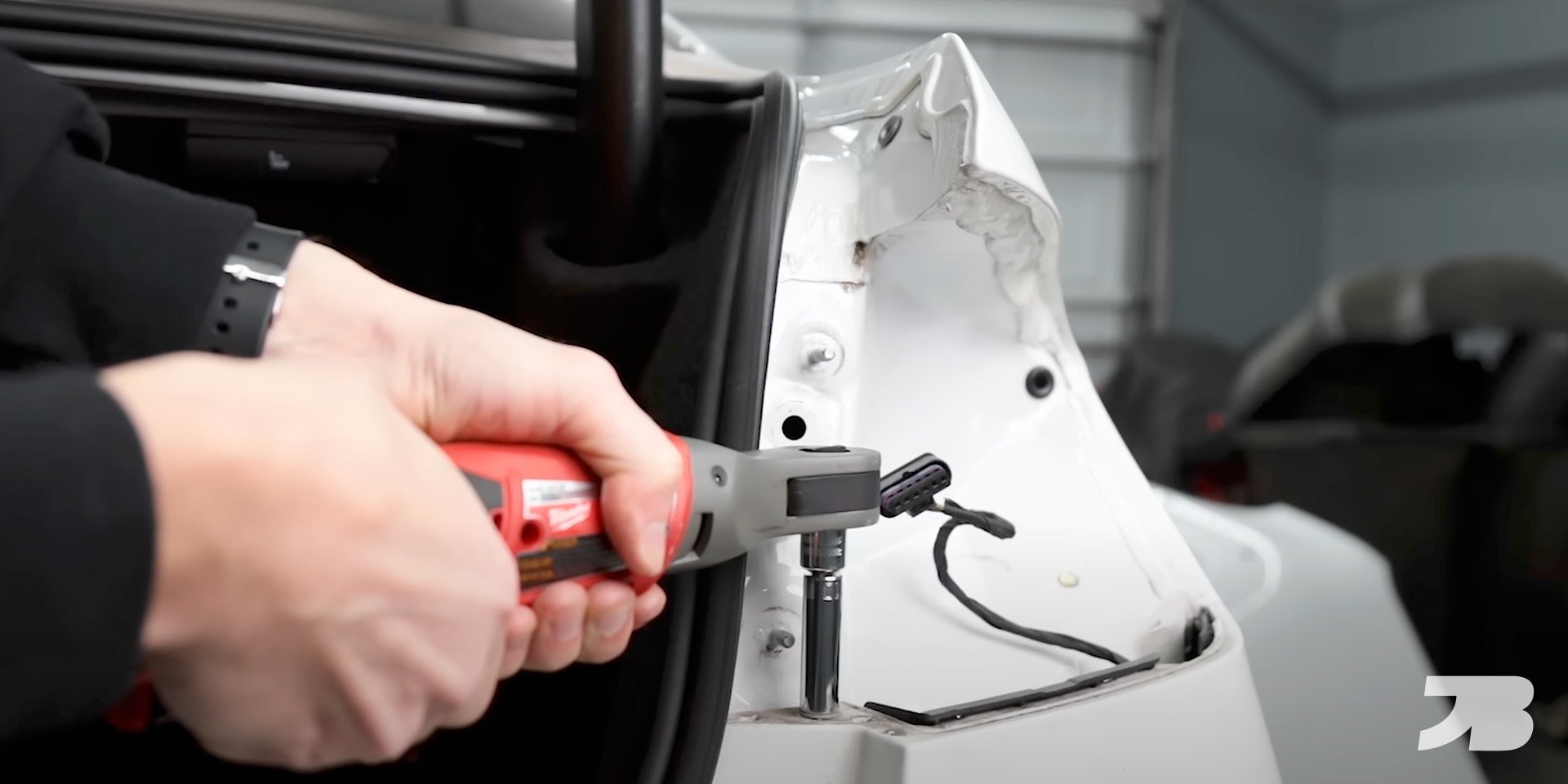
Remove the 10mm screws from the top of the bumper.
Step 6
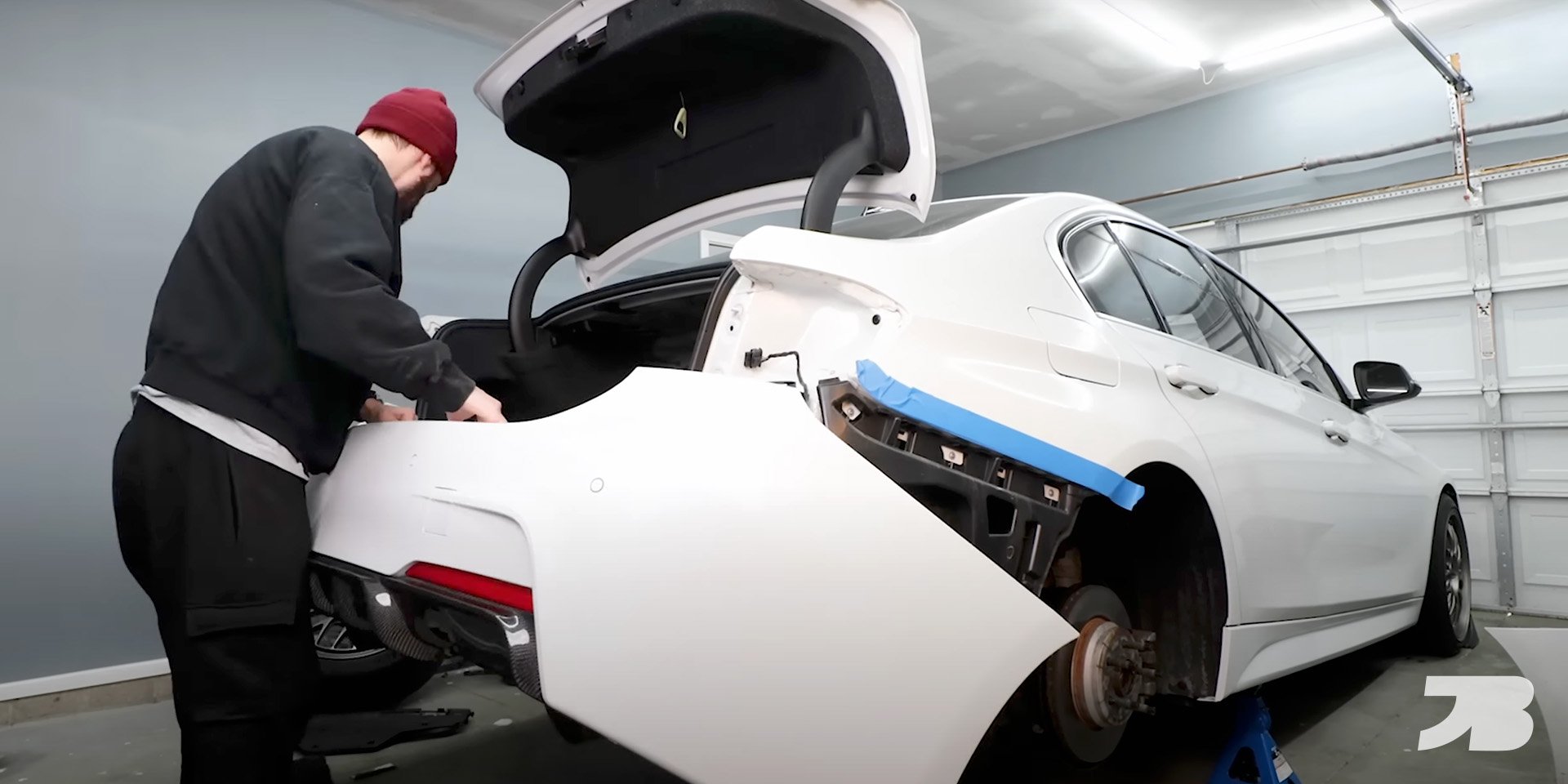
Put a piece of masking tape on the body of the car to protect the paint before removing the old bumper.

Step 7
Carefully remove the rear bumper. If you car has parking sensors like mine, each sensor has it’s own wiring harness. You’ll need to unplug each one while removing the bumper.

Step 8
Plug the parking sensor harnesses into the new M Sport bumper and install it on the car.
Step 9
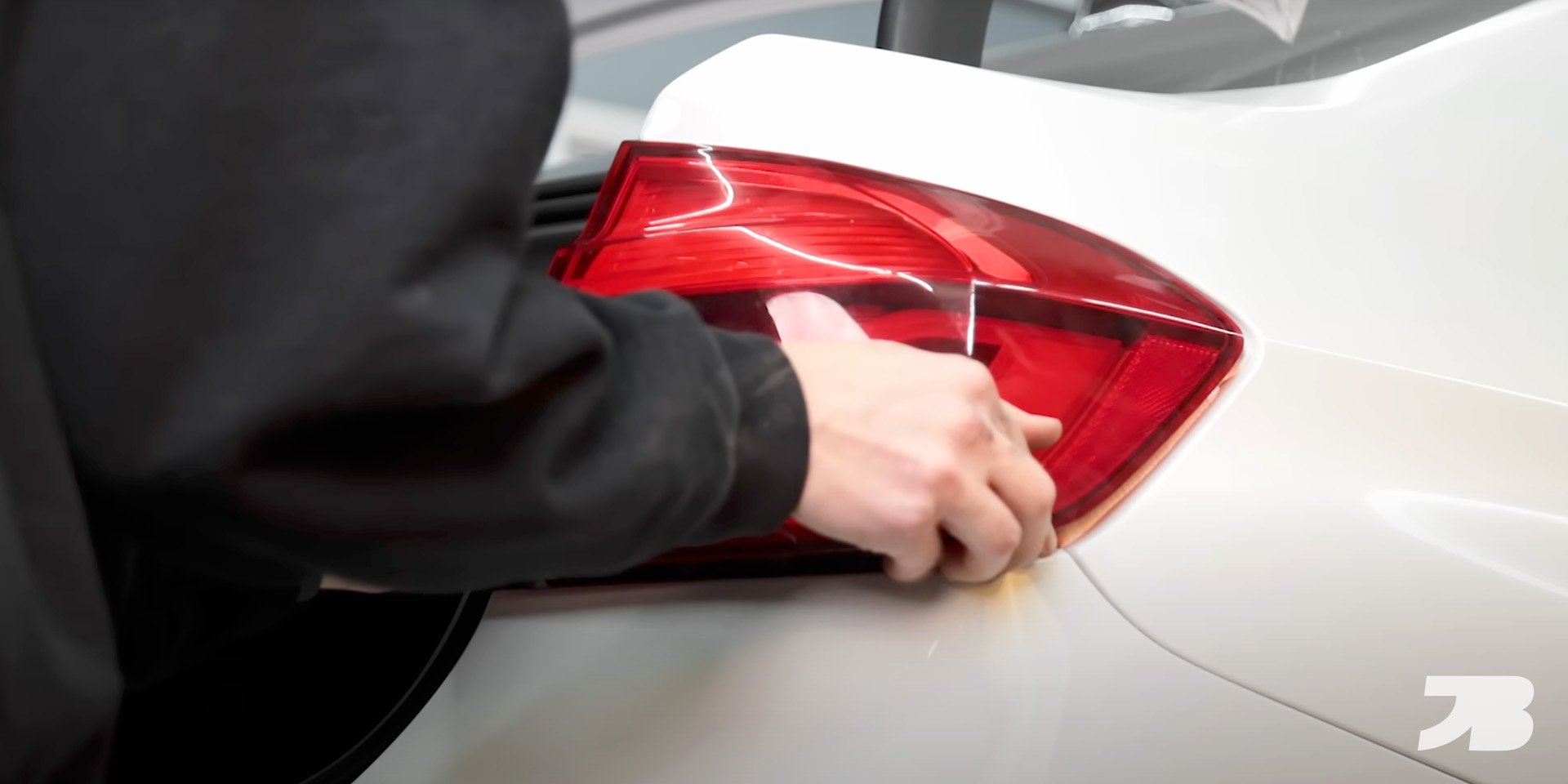
Reinstall the tail lights and bumper hardware to secure it in place.
Watch the step-by-step installation guide here:
This blog contains affiliate links. If you purchase a product through my custom link, I’ll earn a small commission at no extra cost to you. Win!

F30 M Sport Front Bumper Conversion
F30 M Sport Front Bumper Conversion
Read More